For consulting and advisory teams
Start from what you have. Leave with a presentation.
Your call notes, sources or brief go to Claude or ChatGPT. The deck comes out in your firm’s theme, your team changes it and signs it off, and it leaves as PowerPoint.
Connects toClaudeChatGPT
We already have Claude. Why another tool?
Your assistant does the thinking. CoPage is where the presentation lives.
Claude and ChatGPT are where you already work, next to your files, notes and data. CoPage gives them one place to put the presentation: in your theme, where your team works on it and checks it before a client sees it.
Your sourcesStay where they are
Your assistantWhere you work
“Build the offer from this call, in our theme.”
CoPageWhere the presentation lives
- Your themeEvery presentation looks like your firm.
- Your teamEdits, comments, version history.
- Checks and sign-offBefore it reaches a client.
To the client as PowerPointPDF
AI decks all look the same.
Yours look like your firm. From your template or your website.
Bring your PowerPoint template, or point at your website and pick one of four looks. CoPage turns it into a theme: your colours, fonts, logo and layouts. Every presentation your assistant builds starts from it.
A new hire’s first deck looks like your firm’s; nobody has to teach them the template.
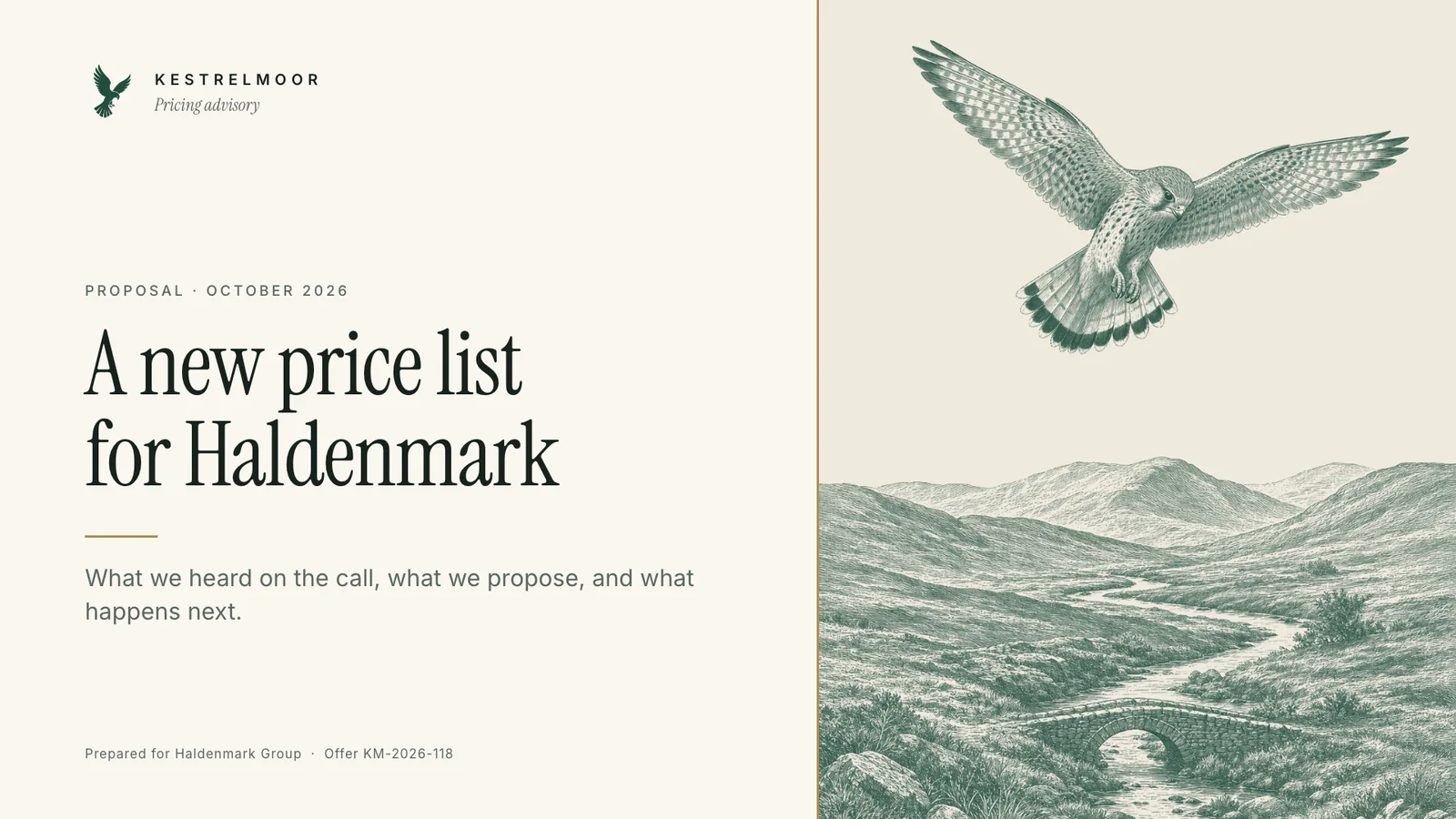
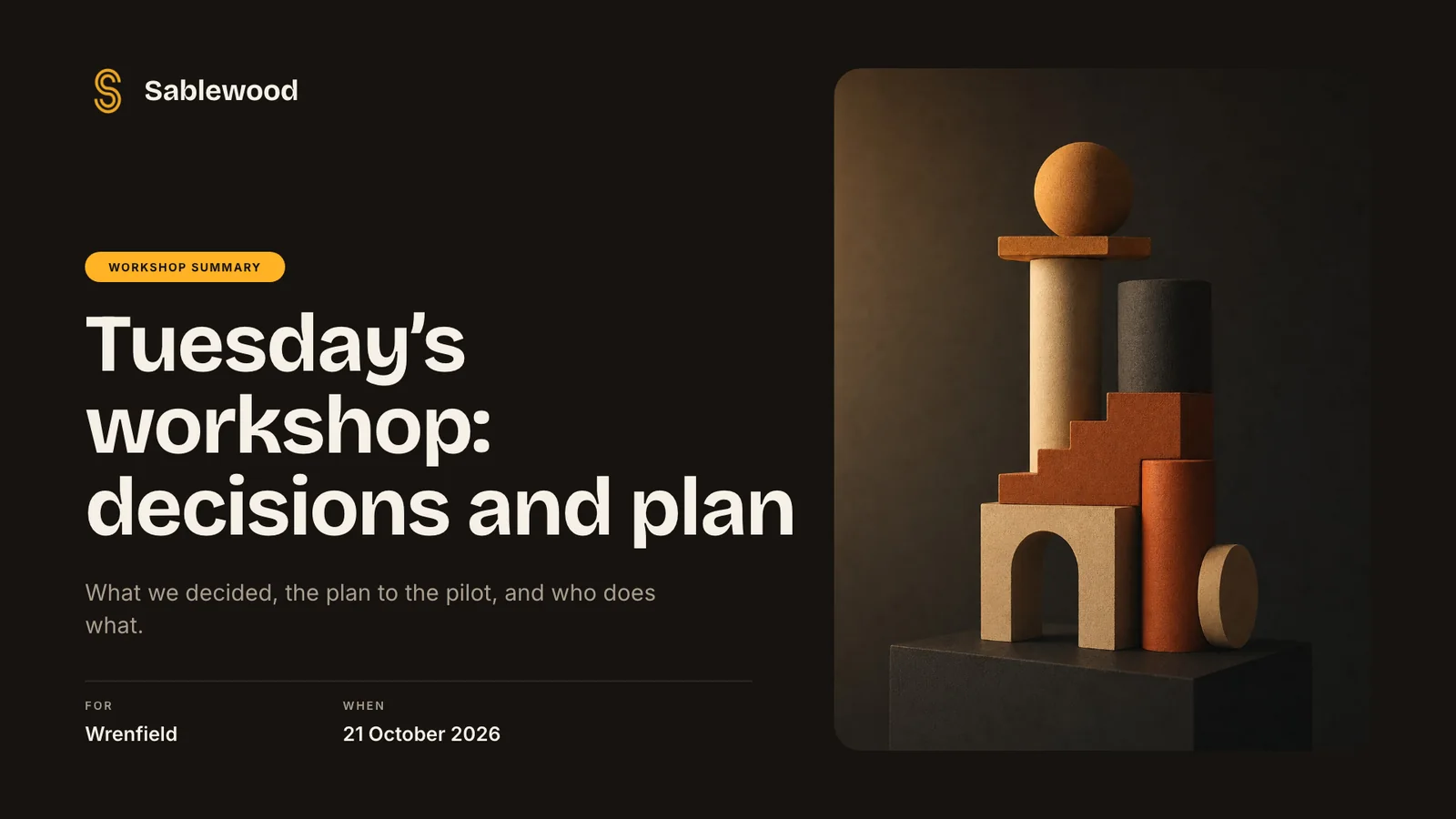
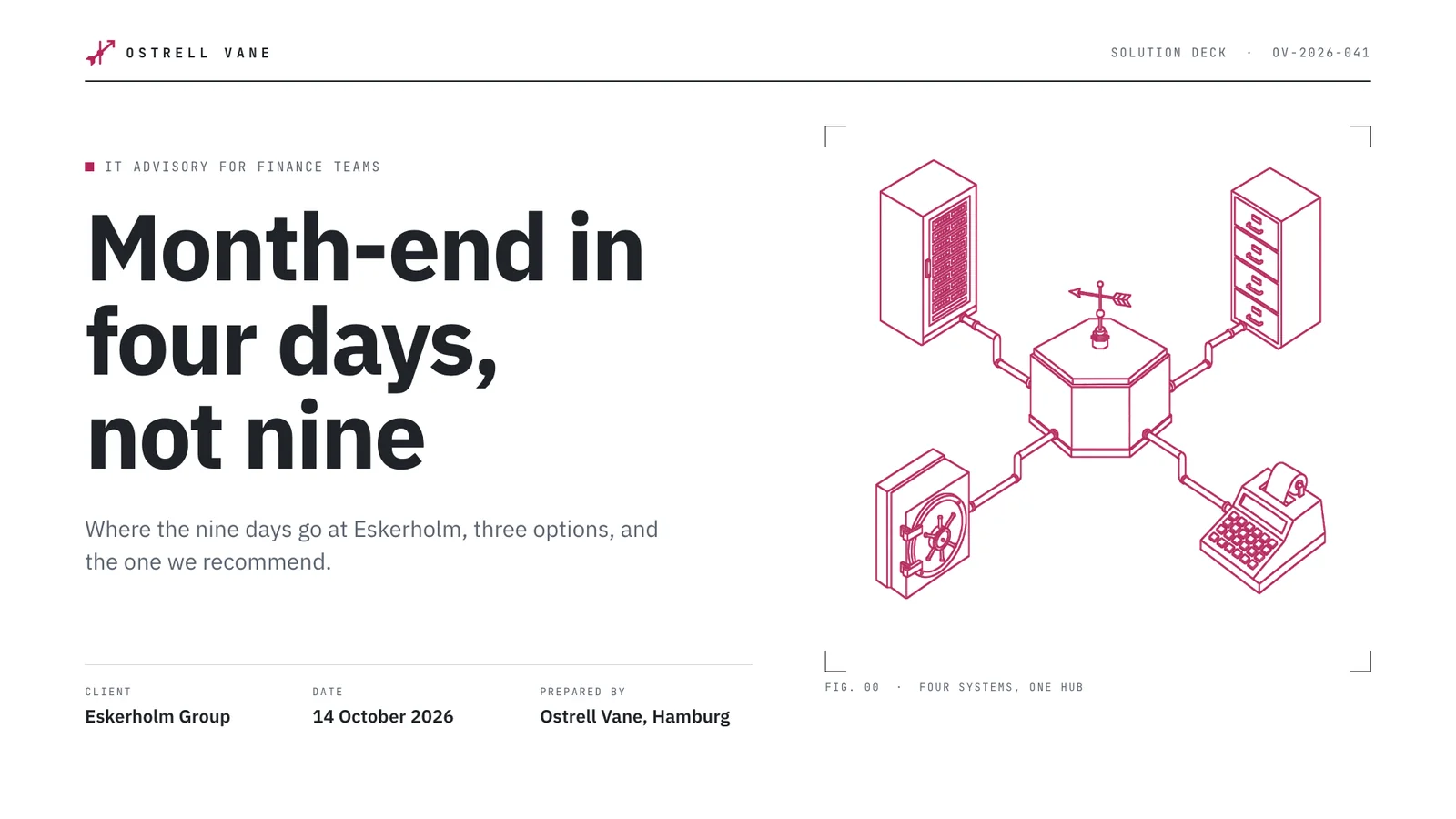

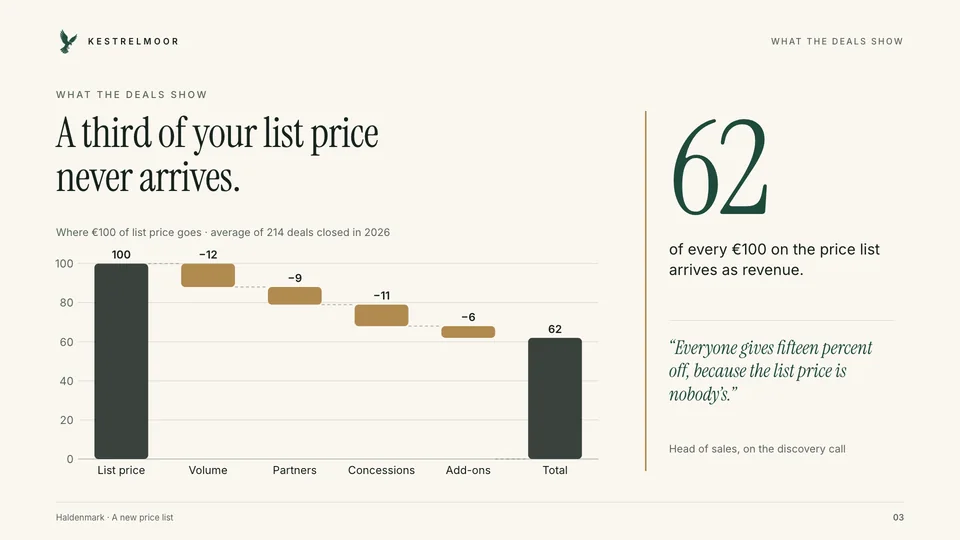
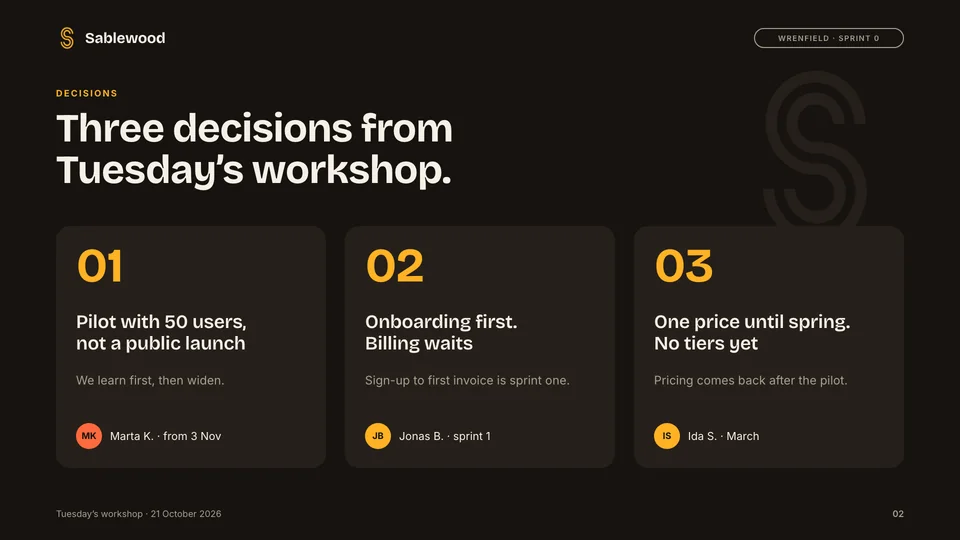
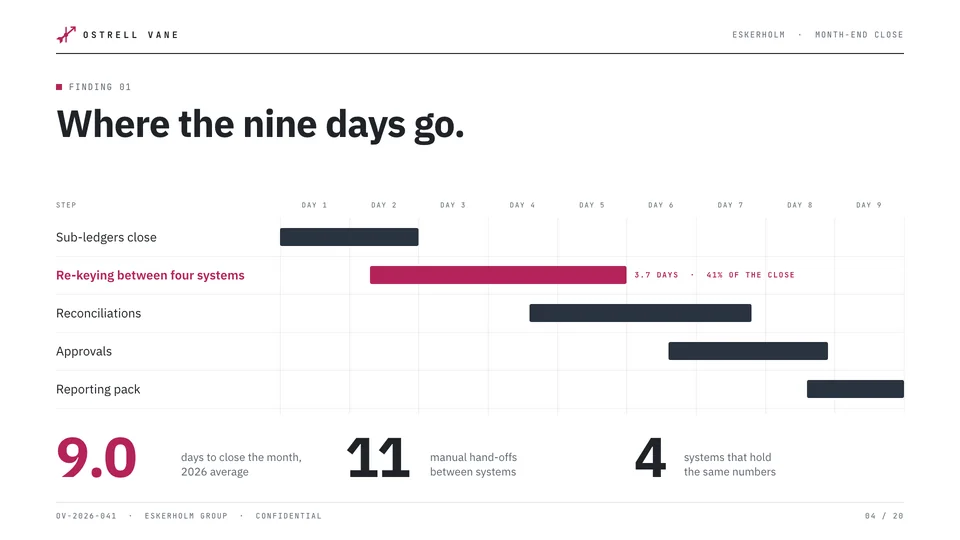
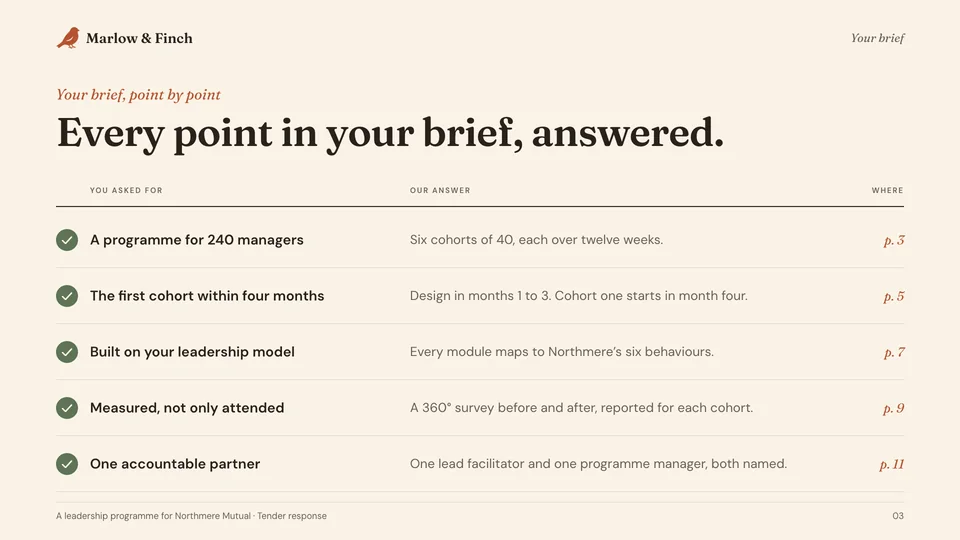
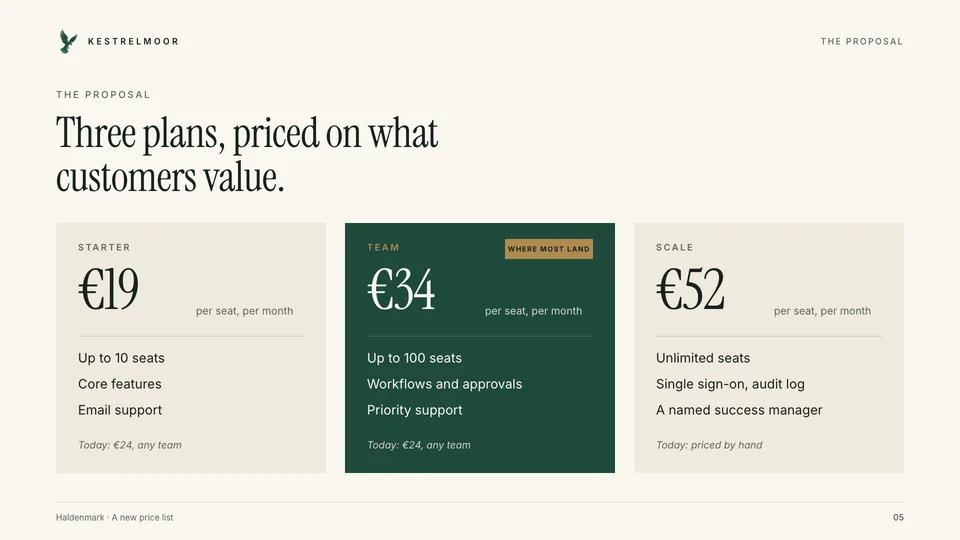
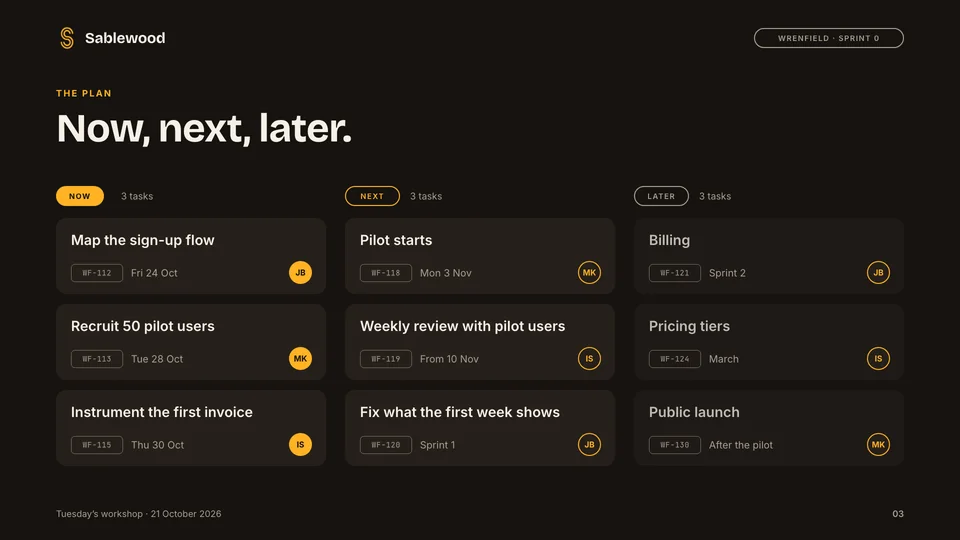
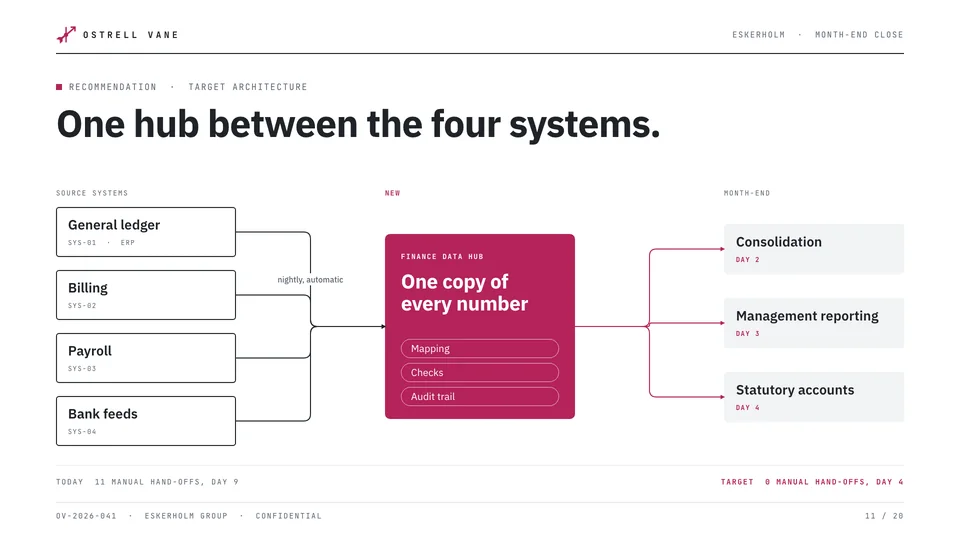
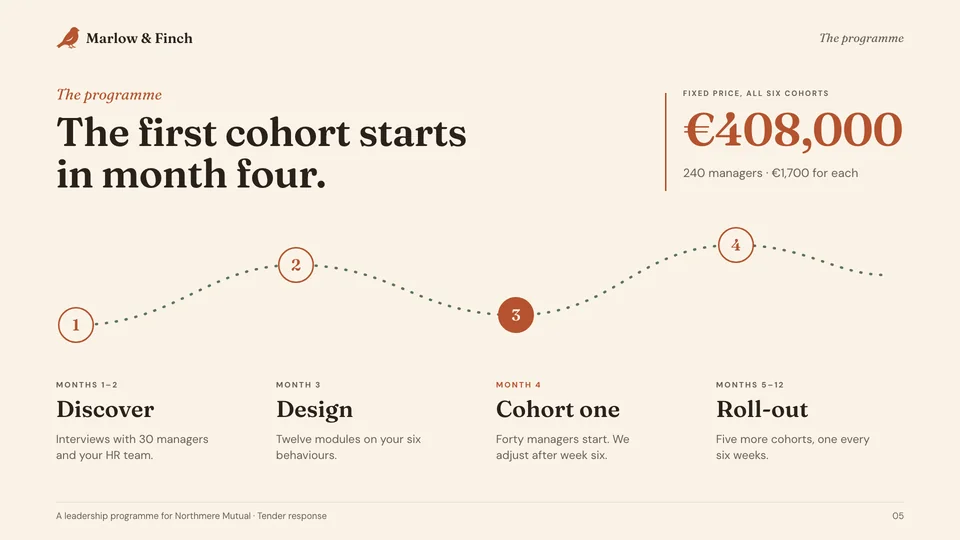
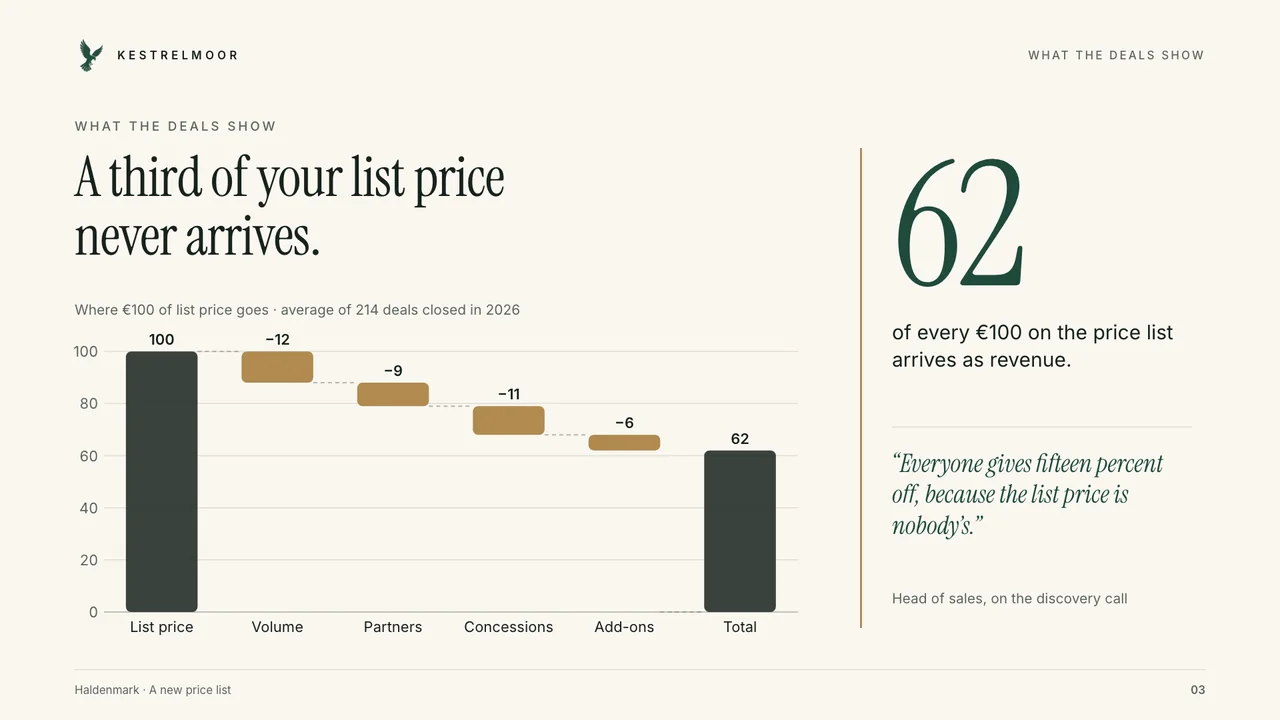
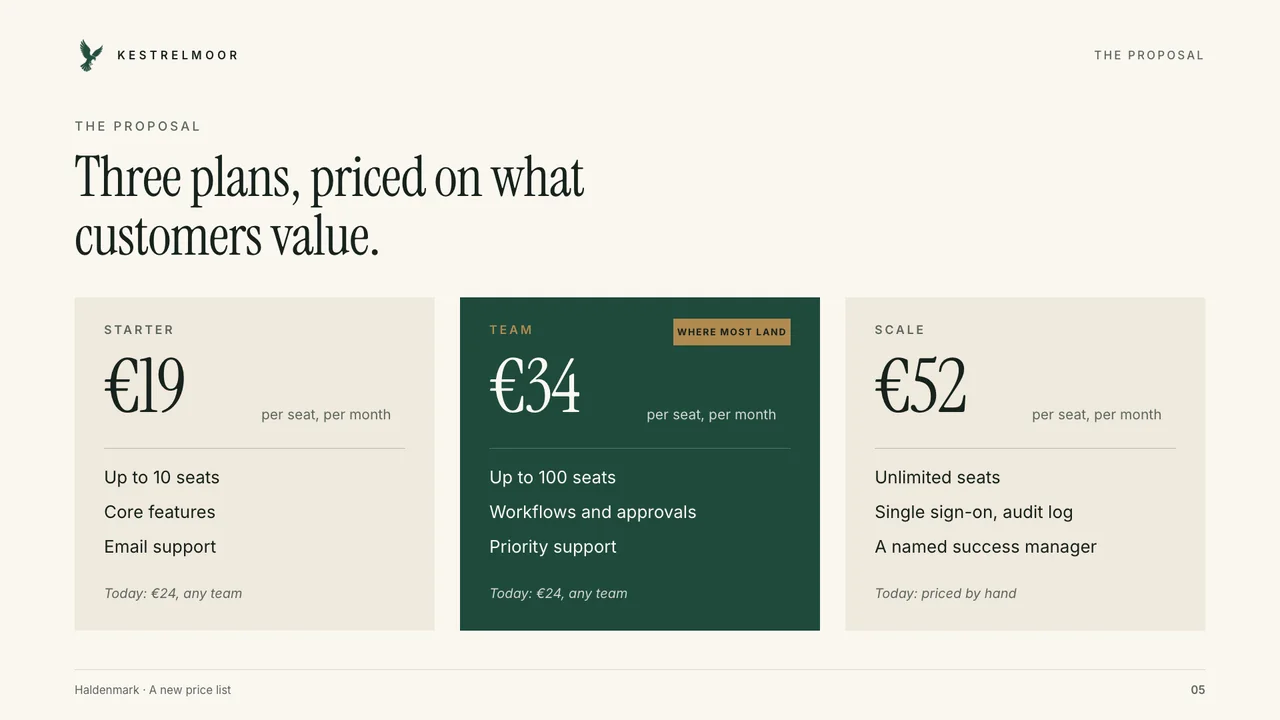
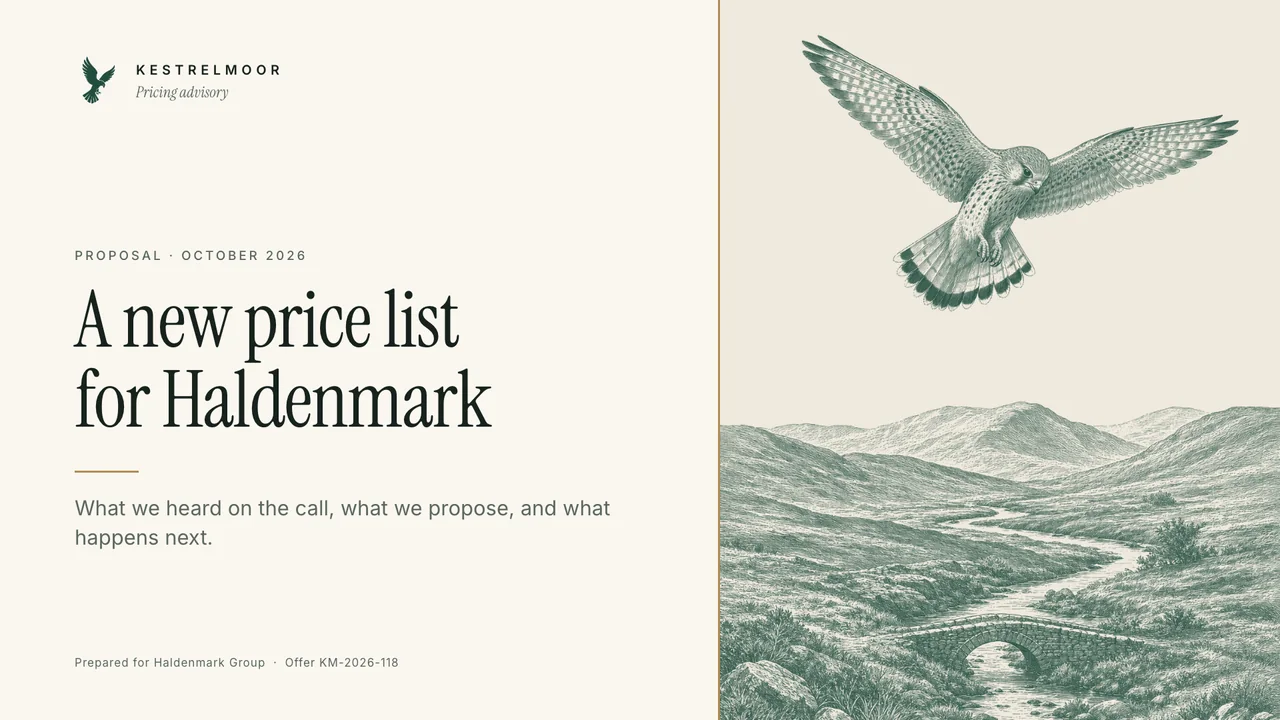
Ostrell Vane untangles finance systems. Its solution decks carry the diagram and the numbers behind the recommendation.Sample firms and clients, all fictional. Slides rendered by CoPage.
Then I’ll be re-prompting it all evening.
Change it without prompting again.
The deck is a real presentation, not a picture of one. Fix it the quickest way.
- By handClick a box and retype, as in PowerPoint.
- A commentPoint at the slide and say what to change. Claude or ChatGPT makes the change and answers under your comment.
- HistoryEvery change shows who made it. Go back to an earlier version.
Try it: press Ask Claude.
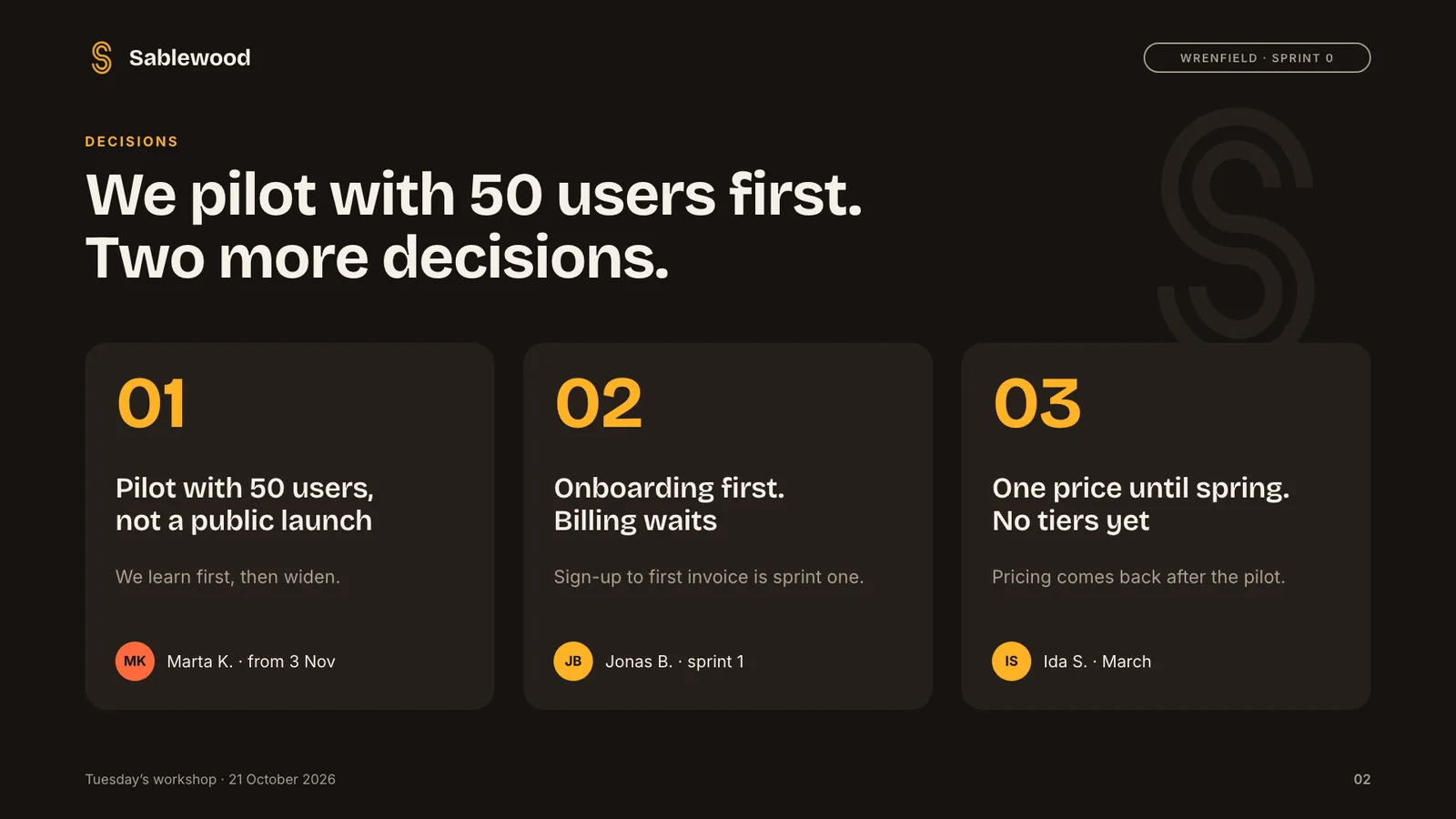
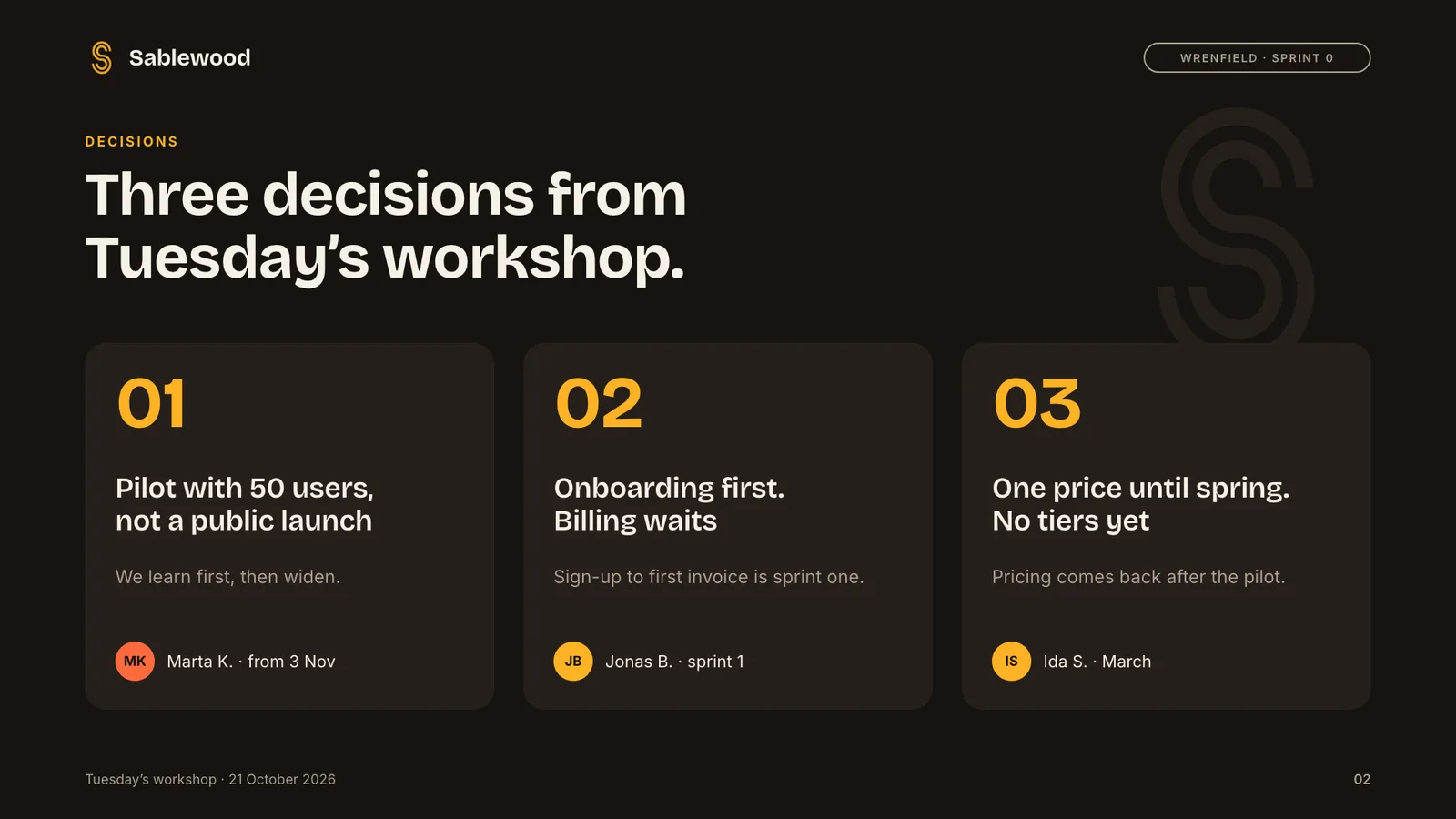
Done. The title now leads with the pilot decision.
In the history.
I can’t send what AI wrote unchecked.
Nothing embarrassing reaches the client.
Checks read every slide like a careful reviewer and point at the exact box: a leftover placeholder, numbers that don’t add up, a private email address, a colour that isn’t yours. They catch these kinds of slips, not everything; a person still reads the deck.
Only a person sets the status, with a note that says why.
Agents read this presentation and leave comments; none changes it.
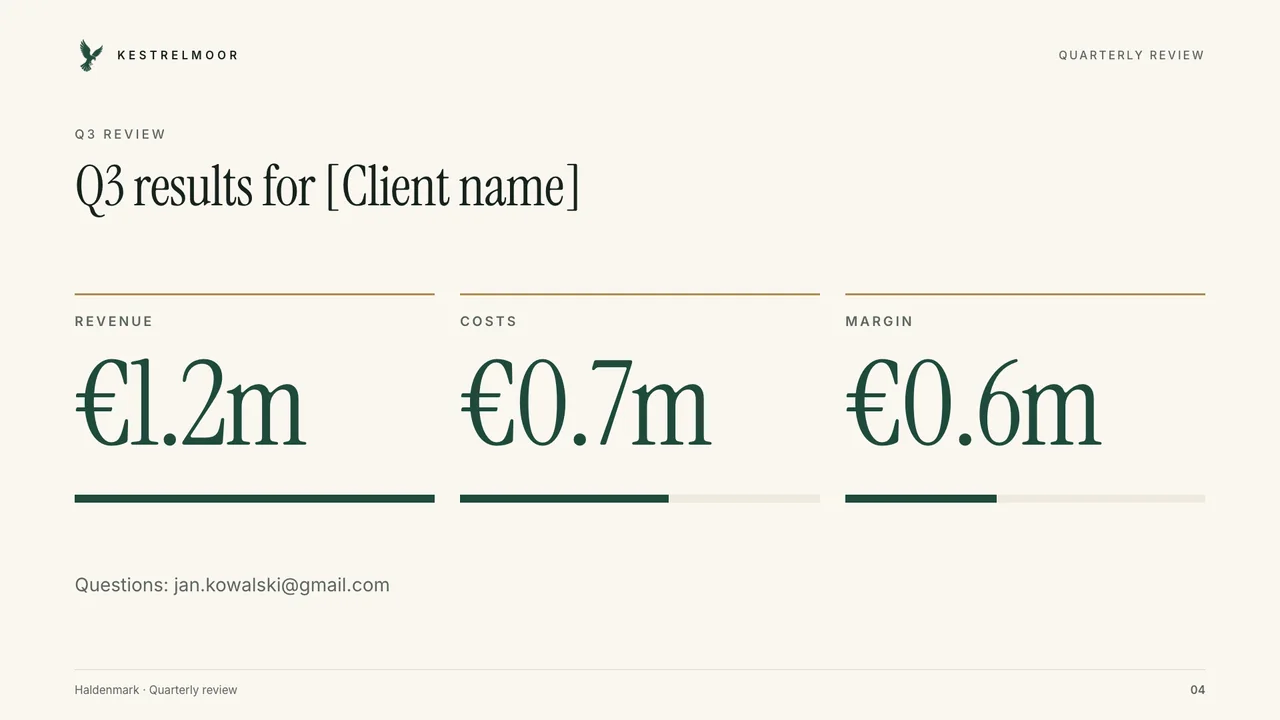
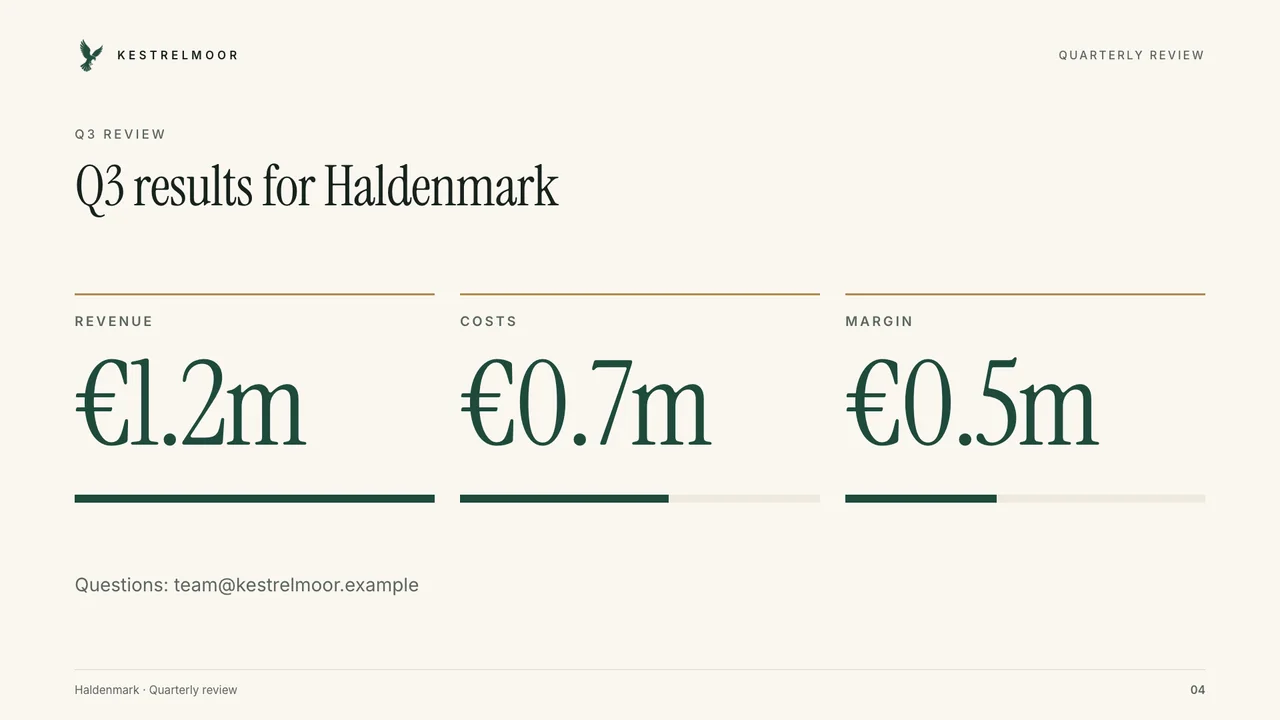
- 1Leftover placeholder
- 2Numbers don’t add up
- 3Personal email
I’m not connecting my Claude to a site I don’t know.
You see what it may do. You end it any time.
CoPage is a connector in the chat your team already uses. There is nothing to install.
Connected, with your access
- It works in one workspace, with your access.
- Every change is in the history, under its name.
- You can restore an earlier version.
We don’t have time to learn another tool.
Your first presentation in about 15 minutes. The app walks you there.
A checklist waits in the corner of the app: your theme, an example in it, your assistant, then the real thing. You set the theme once. From then on, everyone on the team builds in it.
-
Start with how your company looks.
Drop your presentation template or point at your website. CoPage turns it into a theme: your colours, fonts, logo and layouts. Every presentation here is built in it.
11–17 minto your first presentation, by the app’s own estimates for steps 1 to 4
Where does our client work go?
Frankfurt. Seen by the people you invite.
Plain answers for your IT and legal review. If it isn’t written here, we don’t promise it yet.
- Where
The CoPage app runs on Amazon Web Services in Frankfurt, Germany. Your presentations are stored there too.Backup copies are also kept in Ireland.
- Who sees it
The people you invite to your workspace, as admins, editors or viewers. Someone you share one presentation with sees only that one.We run the servers, so we can technically reach them. We open your data only to run, fix or secure the service, or when you ask.
- Your assistant
Claude or ChatGPT works as the person who connected it, and every change is recorded in the history under that name.What the assistant reads goes to Anthropic or OpenAI under your own plan with them.
- AI in CoPage
AI checks send slide text to an AI model at a third-party provider. Owners and admins can turn them off; then no text goes out for checks.A brand kit built from your template, and the assistant in the editor where we turn it on, use AI providers too. The Security note says what each one gets.
- Your review
Have a security questionnaire or an NDA? Send it. The founders answer in writing.
Who’s behind this, and is it ready?
Early access, with the founders on the line.
CoPage works today and is still young: we let teams in one at a time. You talk to the two founders, who run it, not to a queue.


From your template, checked on one of your real presentations.
We connect Claude or ChatGPT and make the first presentations with your people.
What worked, what didn’t, what we change next.
Your questions go straight to Daniel and Antoni.
Bring the notes from a real client call to the demo. You leave with the first version.
Questions.
Anything else: hello@copage.app.
On their own they write text, or a file you then fix by hand. With CoPage, Claude or ChatGPT builds a real presentation in your firm’s theme that your team changes, comments on and signs off, and it leaves as PowerPoint. It works with Claude and ChatGPT. Copilot isn’t supported.
No. CoPage runs in the browser, and Claude or ChatGPT connect to it as a connector. Your team keeps the chat it already uses.
Claude (claude.ai and the desktop app) and ChatGPT. Which of their plans allow custom connectors is up to Anthropic and OpenAI. On Claude’s Team and Enterprise plans an owner adds CoPage once for the whole organisation.
Yes, that’s where it starts. Bring your PowerPoint template, a PDF of it or your brand book, or point at your website and pick one of four looks. In a pilot we build your theme with you.
Yes, as an editable .pptx, and as PDF. PowerPoint uses the fonts installed on each computer, so we set up your theme with fonts your team has.
CoPage is in early access. Book a demo and we’ll propose a pilot for your team.
Export your presentations as PowerPoint or PDF and keep them. They are your files and open without CoPage.
What would we actually use it for?
Four ways in, already in the app.
Each use case is a way of working we ran from start to finish: what you bring, the prompt for your agent, and what comes out in your theme.